WhatsApp Multi Agent is a Joomla module that displays a floating WhatsApp chat widget on your website. It allows visitors to contact your support team directly through WhatsApp. The module supports multiple agents, working schedules, offline contact forms, and starting from version 1.9.0, you can also turn any agent into an AI Chatbot.
Key Features
Multi-Agent Support
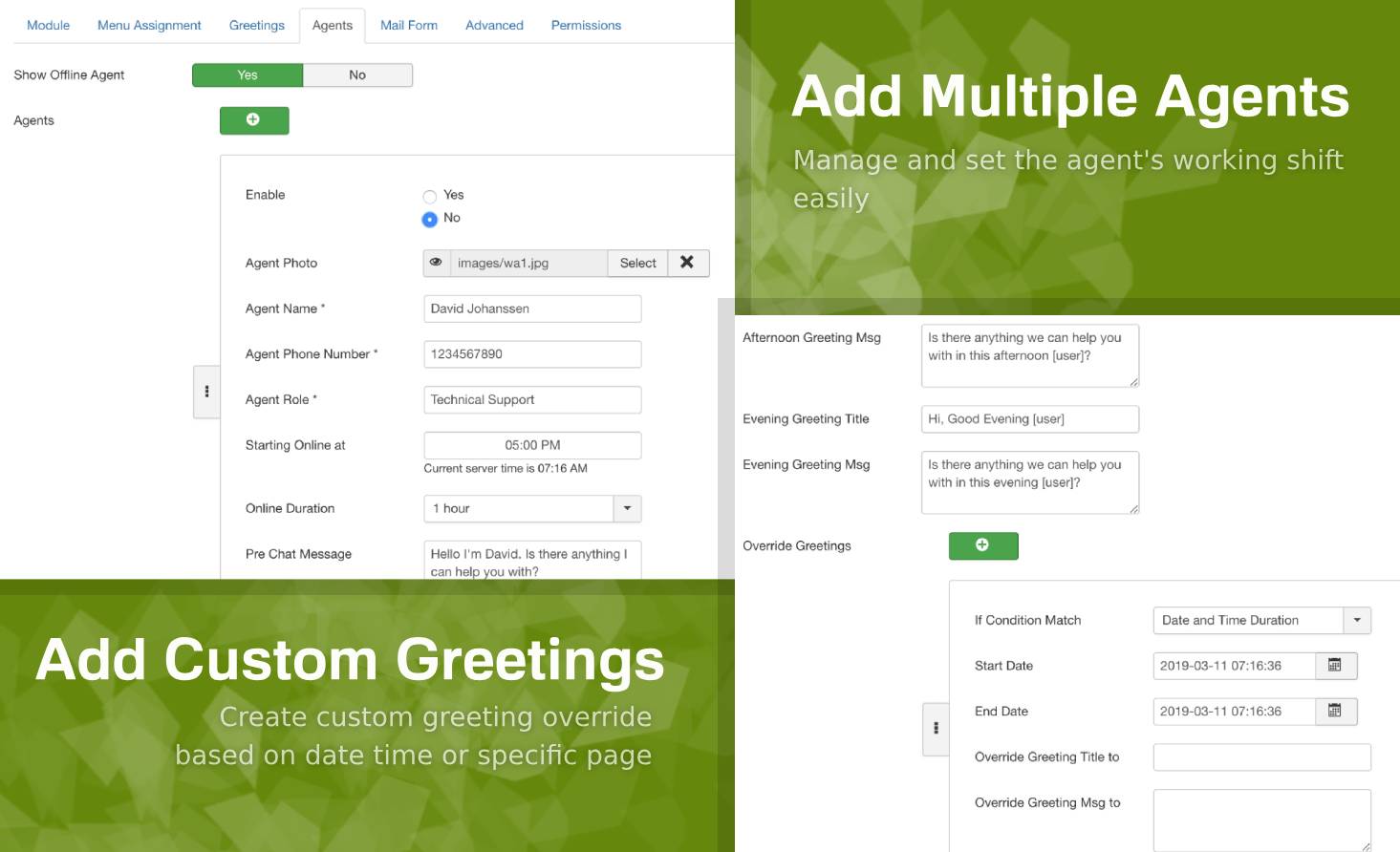
Add multiple WhatsApp numbers and customer support agents. All agents will be displayed as a list inside the floating widget.
When a visitor selects an agent, they will be redirected to the appropriate WhatsApp platform. WhatsApp Web/Desktop on computers or the WhatsApp mobile app on smartphones. This redirection process is handled entirely by WhatsApp.
Working Schedules
Manage your agents’ availability by setting their working hours. The widget will automatically show which agents are online or offline.
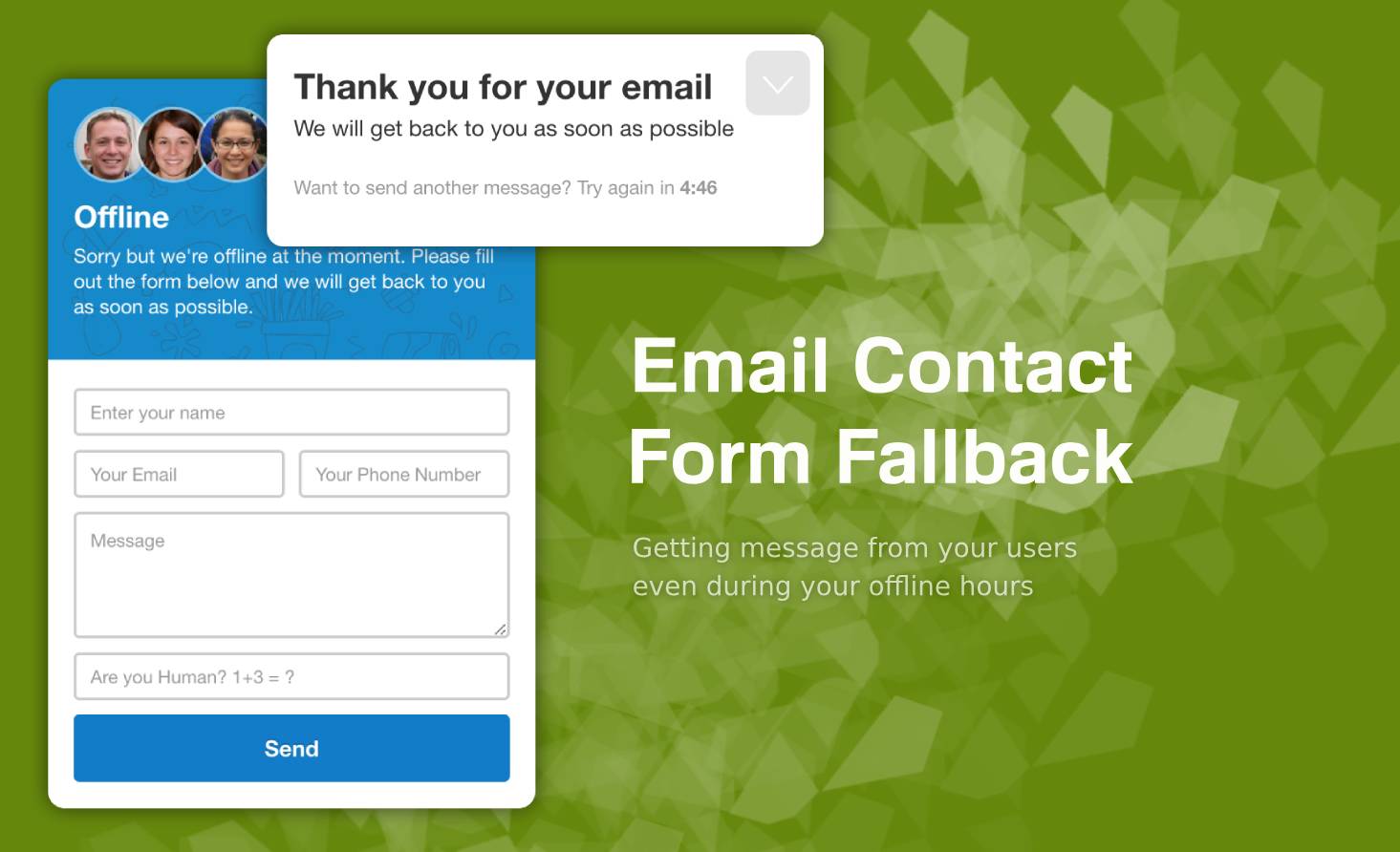
Offline Contact Form
When all agents are offline, the widget will display a contact form so visitors can still reach you.
The form includes:
-
Google reCAPTCHA v2/v3 or simple math validation
-
Flood protection to prevent spamming or rapid repeated submissions
AI Chatbot (Starting from Version 1.9.0)
You can convert selected agents into AI-powered chatbots.
AI capabilities include:
-
Answers are generated only from a designated Joomla article used as the Knowledge Base
-
AI replies in the visitor’s language
-
Customizable prompt instructions to define personality, tone, and behavior
-
If the answer isn’t available in the Knowledge Base, the AI will politely say it doesn’t know and may suggest contacting a human agent
-
Powered by Google Gemini (requires only a free API Key from Google AI Studio)
Responsive Design
The module is fully responsive and works seamlessly across all mobile devices.
Smart Dynamic Greetings
Set personalized greeting messages based on specific dates, times, pages, or menu items for a more tailored user experience.
Widget Customization
Customize the widget by adjusting the color theme, header image, animation style, and more.
You can also add your own Custom CSS directly from the module backend for advanced styling needs.